Skip to content
Lakeshore FabLab Logo
  • About
    • Who FabLab Is For
      • Individuals
      • Students
      • Families
      • Classes and Clubs
      • Entrepreneurs
      • Businesses
    • Announcements
    • FAQ’s
    • Resources
    • Hours and Location
    • Contact Us
  • Homeschool Club
  • Product Pricing
  • Get Involved
    • Become a Member
    • Donate
    • Volunteer
    • Field Trips
      • Classes and Clubs
      • Howmet Busing Grant Application
  • Tour & How It Works
    • Memberships & Benefits
    • Use Our Equipment
      • Equipment/Material Cost Sheet
      • Sawgrass SG1000 Dye Sublimation Printer
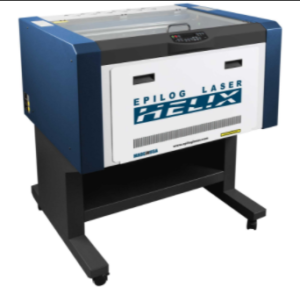
      • Epilog Laser (60W)
      • Shopbot CNC Router
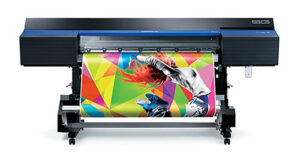
      • Roland SG-540 Vinyl Printer/Cutter
  • Reservations
  • Events
    • Sign Up for Classes/Workshops
    • STEAM Along the Lakeshore
  • Facebook
  • Become a Member
  • Member Login

Project/Equipment Documentation

The following are some documents that will walk you through some basic projects to get started using software and equipment at the fab lab.

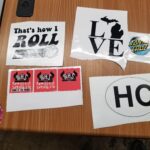
images of stickers sitting on top of a desk

Sticker Design 101 – CorelDraw

Sticker Design 101 – Adobe Illustrator

Laser Cut Keychain – TinkerCAD

Laser Cut Keychain – Adobe Illustrator

Laser Cut Keychain – CorelDraw

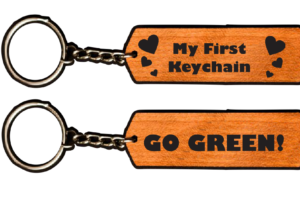
Images of wooden keychains with words and designs on them
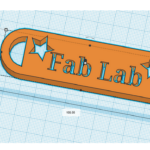
image of 3-d model with cutouts in a computer program

3D Printed Keychain – TinkerCAD

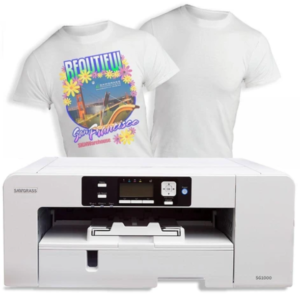
Sawgrass SG1000 Sublimation Printer – Printing a File – SOP

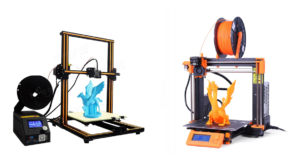
image of Hobbyist 3D Printing machines with plastic models on them

3D Printing Definitions – SOP

Design for Additive Manufacturing – Presentation

3D Printing 101 – Fab Lab

Basics of 3D Printing by Josef Prusa

Epilog Laser Engraver/Cutter – SOP

image of large scale printer

Roland SG-540 – Printing a File – SOP
  • FAQ’s
  • Contact Us
  • Privacy Policy
  • Become a Member
  • Login
Copyright - WordPress Theme by OceanWP
Close Menu
×